-
YumaPOS
-
- The YumaPOS Ecosystem
- Plan Where You Want to be in 6 and 12 Months from Now
- Create Your YumaPOS TENANT
- Create STORES in your YumaPOS TENANT
- Make Life Easy : Preset Some Basic Settings
- Which is best for You? Manual Entry or Data Import?
- Great Structure Makes Selling Easier
- Positive Planning Prevents Poor Performance
- POS and ORDER Fundamentals
- Getting to Know Your New BOM
- Cheap Internet Can Cost Businesses Time, Money and Productivity
- Security : Do you Really Want Your Staff Doing That?
- Stock Control: What It Is and How to Know If It’s Right for Your Business
- Scale Your Business : YumaPOS for Single to Franchise Growth
- A Quick Guide to Where ITEM Cost Comes From
- Know Your Customers, Earn Their Loyalty, Grow Your Sales
- Yumapos Price Lists, Holiday Promotions & Surcharging - Made Easy
- Glossary of Terms
- Show Remaining Articles (3) Collapse Articles
-
-
- Quickly List Transactions Created by Your STORES and APPs
- Easily See Transactions by Staff Member
- It is Simple to Track Sales by Terminal
- Processing Order Tracking: How to Minimise Operational Loss
- Voided Orders Explained: Why You Need to Catch Them
- Action Logs: Why they are Important to Your Business
-
-
- Articles coming soon
-
- Articles coming soon
-
- Articles coming soon
-
- Articles coming soon
-
- Articles coming soon
-
- Articles coming soon
-
- Articles coming soon
-
- Articles coming soon
-
- Articles coming soon
-
- Articles coming soon
-
- Articles coming soon
-
- Articles coming soon
-
- Articles coming soon
-
-
- Inventory Items & Menu Items: Can You Tell the Difference ?
- Your Easy Guide to Menu Item Basics
- How to View and Manage the Menu Items List
- Create and Manage Menu Categories Easily
- Understanding Item Modifiers for Accurate Production and Lower Costs
- Complete Guide to Managing Item Modifiers in Your Business
- Point of Sale Price Lists Made Easy : A Complete Guide
- Daily Menu Configuration and How to Use Them
- How to Use Stop Lists to Prevent Overselling
- Changing Default Language for Production
-
-
- Articles coming soon
-
- Articles coming soon
-
- Articles coming soon
-
- Articles coming soon
-
- Articles coming soon
-
- Articles coming soon
-
-
-
- Articles coming soon
-
- Articles coming soon
-
- Articles coming soon
-
-
-
- Articles coming soon
-
- Articles coming soon
-
- Articles coming soon
-
- Articles coming soon
-
- Articles coming soon
-
-
-
- Articles coming soon
-
- Articles coming soon
-
- Articles coming soon
-
- Articles coming soon
-
-
-
- Articles coming soon
-
- Articles coming soon
-
- Articles coming soon
-
- Articles coming soon
-
-
-
- Articles coming soon
-
- Articles coming soon
-
- Articles coming soon
-
- Articles coming soon
-
- Articles coming soon
-
- Articles coming soon
-
- Articles coming soon
-
- Articles coming soon
-
- Articles coming soon
-
- Articles coming soon
-
- Articles coming soon
-
-
-
- Articles coming soon
-
- Articles coming soon
-
- Articles coming soon
-
- Articles coming soon
-
- Articles coming soon
-
- Articles coming soon
-
- Articles coming soon
-
- Articles coming soon
-
- Articles coming soon
-
- Articles coming soon
-
- Articles coming soon
-
-
-
- Articles coming soon
-
- Articles coming soon
-
- Articles coming soon
-
- Articles coming soon
-
- Articles coming soon
-
- Articles coming soon
-
-
- Articles coming soon
-
- Articles coming soon
-
- Articles coming soon
-
- Articles coming soon
-
- Articles coming soon
-
- Articles coming soon
-
- Articles coming soon
-
-
- Articles coming soon
-
- Articles coming soon
-
- Articles coming soon
-
- Articles coming soon
-
- Articles coming soon
-
- Articles coming soon
-
- Articles coming soon
-
-
- Articles coming soon
-
-
-
YumaPAY
Protecting Your Hard Earnt Money
You would be surprised how many sites I have connected to, where the default password is 1 or 1234. Even after 10+years of the site trading !
Also, how many sites have only a single user, with administrator privileges. All staff use the same admin user and have full access to everything !
The site owner has no way of telling who did what.
There is no control to prevent basic cashiers from seeing the sites full financials, doing dodgy refunds or price overrides.
YumaPOS Staff Roles
Using your BOM, you create ROLES to define access to BOM sections and POS APP functions.
hey could be yes or no, with or without minimum and maximum values, grant read only or read & write access.
The common ROLES that I use :
ADMIN : access to everything POS & BOM
CASHIER : enough access to the POS to make sales and use predefined discounts, but not do large refunds nor access settings. No access to BOM.
SUPERVISOR : access to POS to make sales, perform predefined and open discounts, do refunds and price overrides, void orders, but no access to POS settings or BOM.
HOUSEKEEPING / KITCHEN : can only log in, take a break and log out on the POS. No access to BOM.
BOOKKEEPER : No POS access. Read only access to BOM. Ideal for giving your number cruncher remote access to your BOM reports.
So, let’s protect your business and set them up in your BOM.
Create the ADMIN Role
This is the default ROLE that is created when your tenant is established. It is automatically assigned to the site owner.
Go have a look at it.
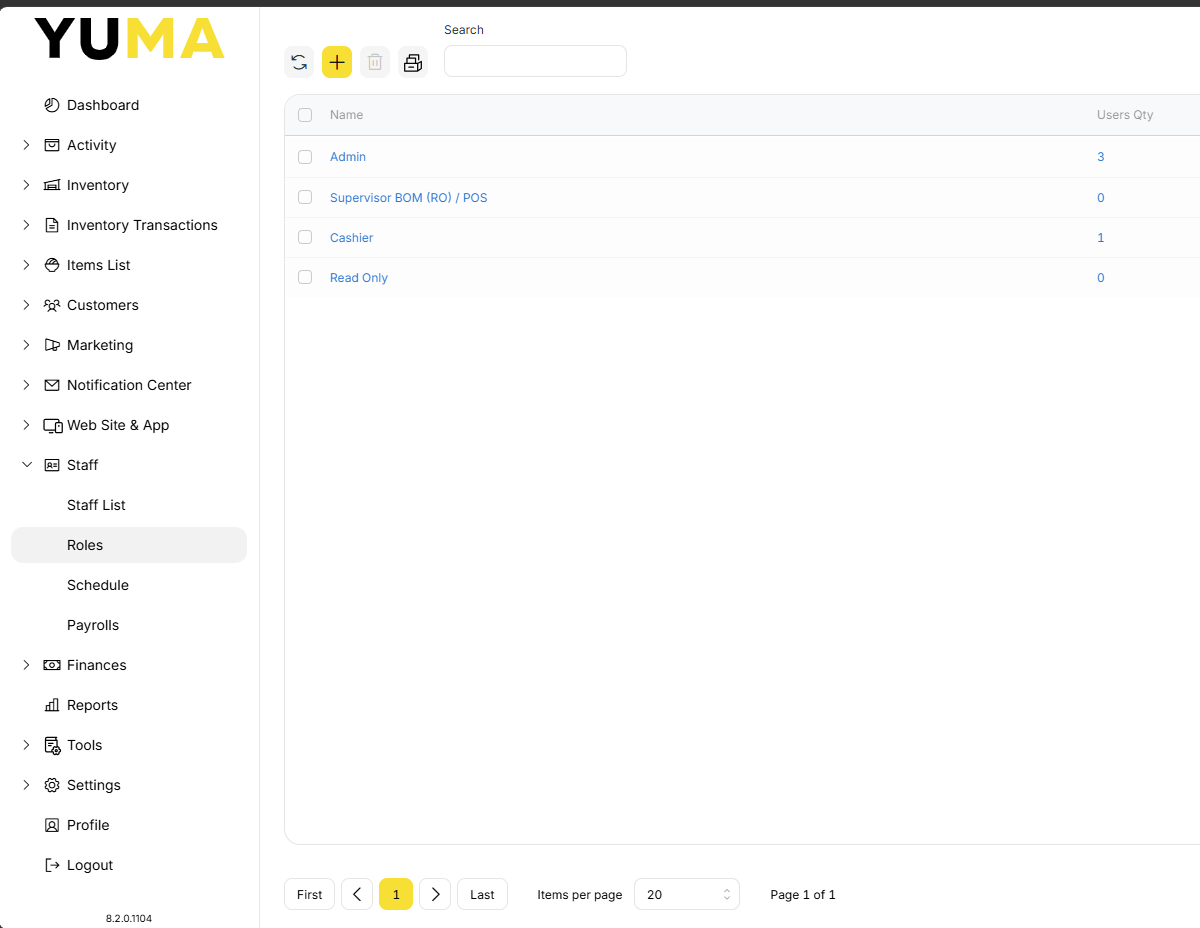
In your BOM, navigate to STAFF / ROLES and select Admin.
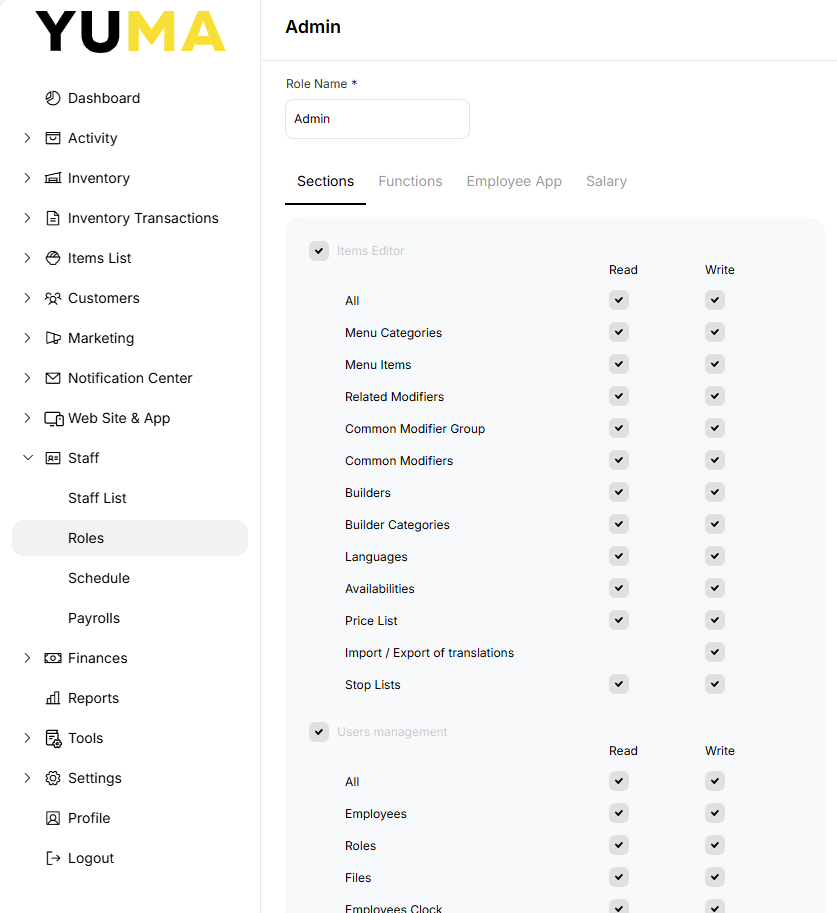
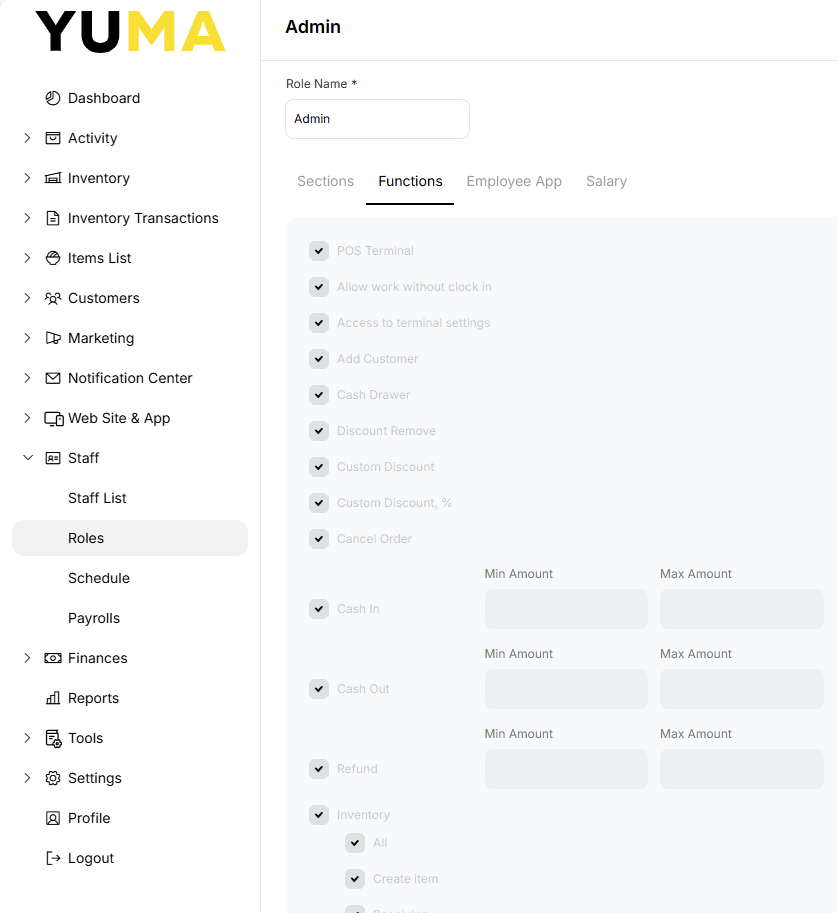
As you can see, everything has a tick.
Admin has full read write access to BOM SECTIONS as well as full access to all POS FUNCTIONS.
Create the CASHIER Role
A cashier seldom needs to access the BOM.
So create a new role with the yellow + and call it Cashier.
By default, nothing in Sections is ticked.
Select Functions and select the following :
- POS Terminal
- Allow work without Clock in
- Add Customer
- Cash Drawer
- Discount Remove
- Cash in
- Cash Out ( maybe set a max value )
- Refund ( maybe set a max value )
- Shift Report ( Needed to do End Shift
- Delete item from Order
- Accept Payment
- Accept Payment for Orders Created by Others
- Show other Employees Orders
- Show Online Orders
- Print Single Kitchen
- Access House Account Details
- Assign Driver to Order
Click on (UPDATE).
Create the SUPERVISOR Role
A supervisor seldom needs to access the BOM.
So create a new role with the yellow + and call it Supervisor.
By default, nothing in Sections is ticked.
Select Functions and select the following :
- POS Terminal
- Allow work without Clock in
- Add Customer
- Cash Drawer
- Discount Remove
- Custom Discount
- Custom Discount %
- Cancel Order
- Cash in
- Cash Out ( maybe set a higher max value )
- Refund ( maybe set a higher max value )
- Inventory ( if doing write offs etc at the POS )
- Shift Report ( Needed to do End Shift )
- Delete item from Order
- Price Override
- Accept Payment
- Accept Payment for Orders Created by Others
- Show other Employees Orders
- Show Online Orders
- Void Order Printed in Kitchen
- Remove Item Printed in Kitchen
- Print Multiple Kitchen
- Open Discount ( Maybe )
- Access House Account Details
- Assign Driver to Order
These two are interesting :
- Void Order Printed in Kitchen
- Remove Item Printed in Kitchen
When coupled with the POS Setting to “print deleted items in kitchen” you stop your supervisor from deleting an ORDER after the kitchen has made it and pocketing the dollars from the sale.
Unless Chef is also in on the scam.
Don’t forget to click (UPDATE).
Create the HOUSEKEEPING / KITCHEN Role
Ideal for time keeping for domestic, house and kitchen staff.
They need no access to the BOM and only need to be able to LOG IN, take a BREAK and LOG OUT.
So create a new role with the yellow + and call it Housekeeping or Kitchen.
By default, nothing in Sections is ticked.
By default, nothing in Functions is ticked.
Click (UPDATE).
Create the BOOKKEEPER Role
I usually create this one for the office staff or accountant.
They need no access to the POSM and only need READ ACCESS i the BOM..
So create a new role with the yellow + and call it Bookkeeper.
Under sections select READ ONLY to everything.
You did remember to click (Update) ?
Assign the ROLE to your STAFF Member
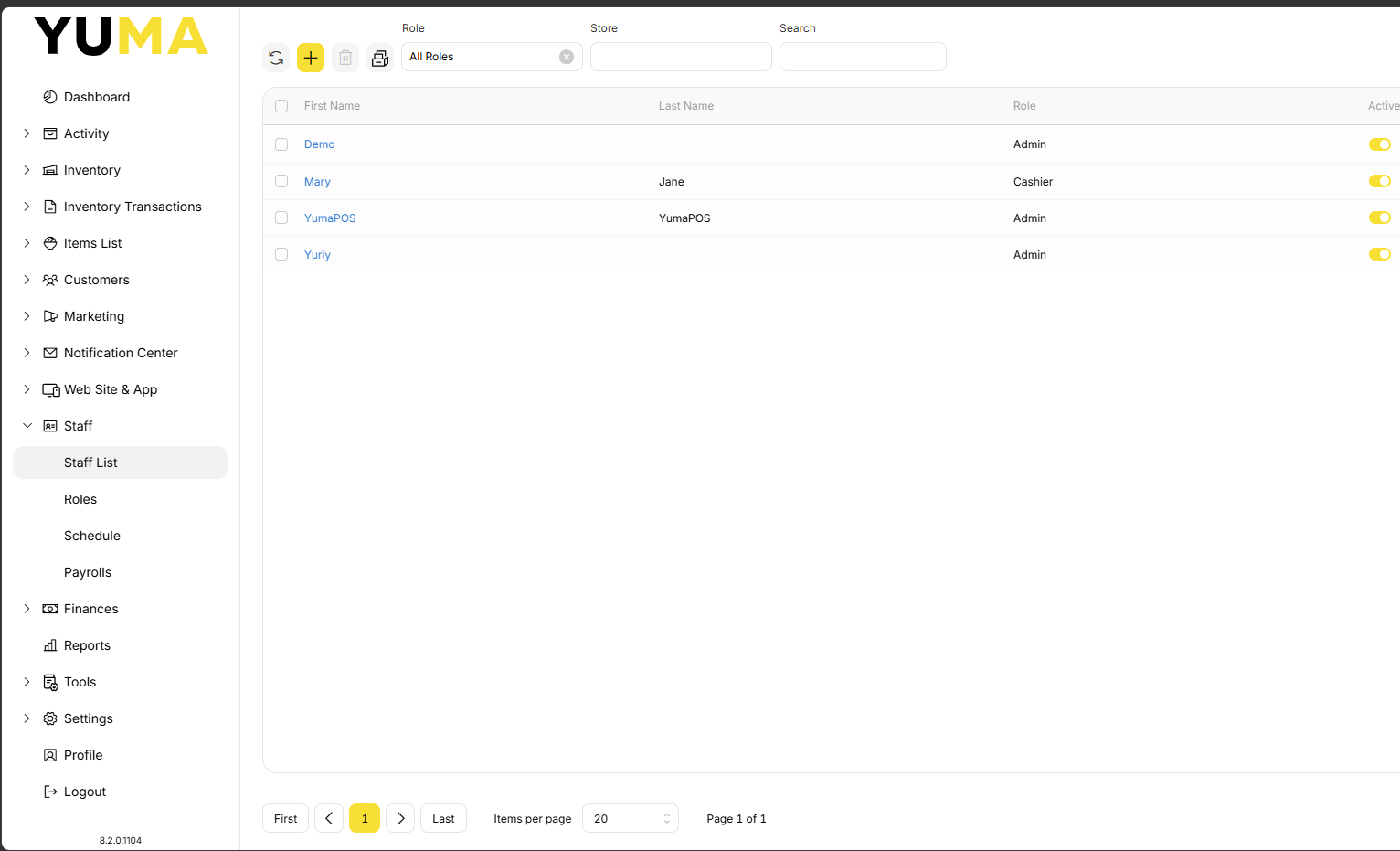
Create or update your STAFF with the correct ROLE.