-
YumaPOS
-
- The YumaPOS Ecosystem
- Plan Where You Want to be in 6 and 12 Months from Now
- Create Your YumaPOS TENANT
- Create STORES in your YumaPOS TENANT
- Make Life Easy : Preset Some Basic Settings
- Which is best for You? Manual Entry or Data Import?
- Great Structure Makes Selling Easier
- Positive Planning Prevents Poor Performance
- POS and ORDER Fundamentals
- Getting to Know Your New BOM
- Cheap Internet Can Cost Businesses Time, Money and Productivity
- Security : Do you Really Want Your Staff Doing That?
- Stock Control: What It Is and How to Know If It’s Right for Your Business
- Scale Your Business : YumaPOS for Single to Franchise Growth
- A Quick Guide to Where ITEM Cost Comes From
- Know Your Customers, Earn Their Loyalty, Grow Your Sales
- Yumapos Price Lists, Holiday Promotions & Surcharging - Made Easy
- Glossary of Terms
- Show Remaining Articles (3) Collapse Articles
-
-
- Quickly List Transactions Created by Your STORES and APPs
- Easily See Transactions by Staff Member
- It is Simple to Track Sales by Terminal
- Processing Order Tracking: How to Minimise Operational Loss
- Voided Orders Explained: Why You Need to Catch Them
- Action Logs: Why they are Important to Your Business
-
-
- Articles coming soon
-
- Articles coming soon
-
- Articles coming soon
-
- Articles coming soon
-
- Articles coming soon
-
- Articles coming soon
-
- Articles coming soon
-
- Articles coming soon
-
- Articles coming soon
-
- Articles coming soon
-
- Articles coming soon
-
- Articles coming soon
-
- Articles coming soon
-
-
- Inventory Items & Menu Items: Can You Tell the Difference ?
- Your Easy Guide to Menu Item Basics
- How to View and Manage the Menu Items List
- Create and Manage Menu Categories Easily
- Understanding Item Modifiers for Accurate Production and Lower Costs
- Complete Guide to Managing Item Modifiers in Your Business
- Point of Sale Price Lists Made Easy : A Complete Guide
- Daily Menu Configuration and How to Use Them
- How to Use Stop Lists to Prevent Overselling
- Changing Default Language for Production
-
-
- Articles coming soon
-
- Articles coming soon
-
- Articles coming soon
-
- Articles coming soon
-
- Articles coming soon
-
- Articles coming soon
-
-
-
- Articles coming soon
-
- Articles coming soon
-
- Articles coming soon
-
-
-
- Articles coming soon
-
- Articles coming soon
-
- Articles coming soon
-
- Articles coming soon
-
- Articles coming soon
-
-
-
- Articles coming soon
-
- Articles coming soon
-
- Articles coming soon
-
- Articles coming soon
-
-
-
- Articles coming soon
-
- Articles coming soon
-
- Articles coming soon
-
- Articles coming soon
-
-
-
- Articles coming soon
-
- Articles coming soon
-
- Articles coming soon
-
- Articles coming soon
-
- Articles coming soon
-
- Articles coming soon
-
- Articles coming soon
-
- Articles coming soon
-
- Articles coming soon
-
- Articles coming soon
-
- Articles coming soon
-
-
-
- Articles coming soon
-
- Articles coming soon
-
- Articles coming soon
-
- Articles coming soon
-
- Articles coming soon
-
- Articles coming soon
-
- Articles coming soon
-
- Articles coming soon
-
- Articles coming soon
-
- Articles coming soon
-
- Articles coming soon
-
-
-
- Articles coming soon
-
- Articles coming soon
-
- Articles coming soon
-
- Articles coming soon
-
- Articles coming soon
-
- Articles coming soon
-
-
- Articles coming soon
-
- Articles coming soon
-
- Articles coming soon
-
- Articles coming soon
-
- Articles coming soon
-
- Articles coming soon
-
- Articles coming soon
-
-
- Articles coming soon
-
- Articles coming soon
-
- Articles coming soon
-
- Articles coming soon
-
- Articles coming soon
-
- Articles coming soon
-
- Articles coming soon
-
-
- Articles coming soon
-
-
-
YumaPAY
Definition
YumaPOS gives you DAILY MENU options that you may configure to suit your business model.
You can configure day & time based MENU ITEM availability such as :
- Breakfast menu
- Dinner menu
- Happy hour bar snacks
- Limited goods & services on Sunday
- After hours rates
- Seasonal availability
Advantages of Using Daily Menus
When you can automatically change availability based on time, day or season, you can optimise production processes, minimise order errors and gain more control over costs.
Your staff & online shoppers will only see what is currently available, reducing search times and preventing mistakes such as selecting a dish that is only served during the dinner service.
Use YumaPOS to automatically switch between services and assigned offerings at preset times without manual intervention.
In a restaurant, limiting dishes by service time may allow Chef to better prep with minimal cost and waste.
Creating targeted reports based on dates & times could help you see which ITEMS are giving you the greater margin.
List Daily Menu
Using your BOM, navigate to Items List / Daily Menu.
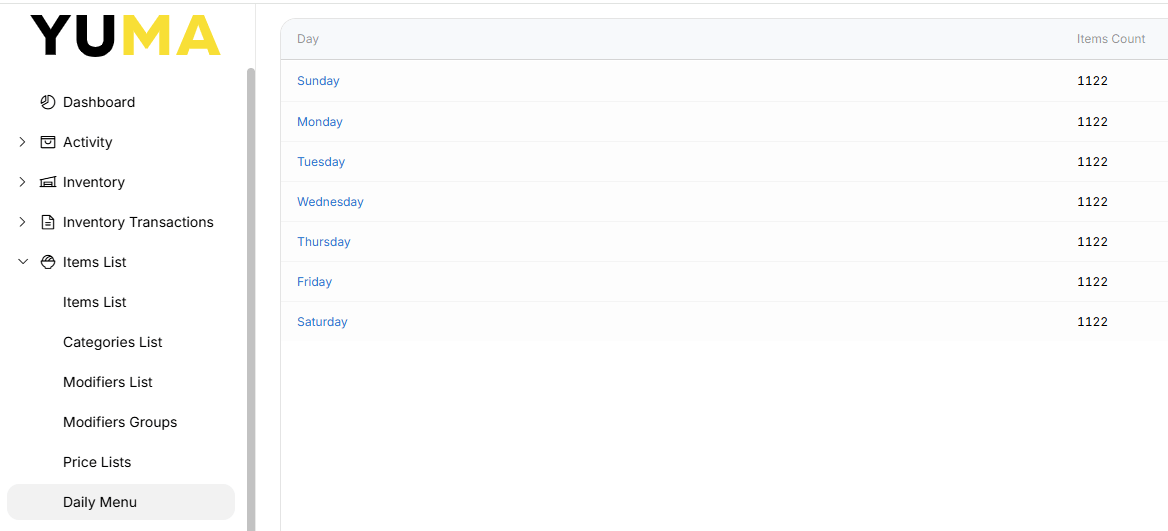
If you select any day, you will see that by default, all MENU ITEMS are available all the time.
NOTE : You should also consider that the MENU CATEGORY or MENU ITEM can also have an AVAILABILITY set. This will affect what you see here.
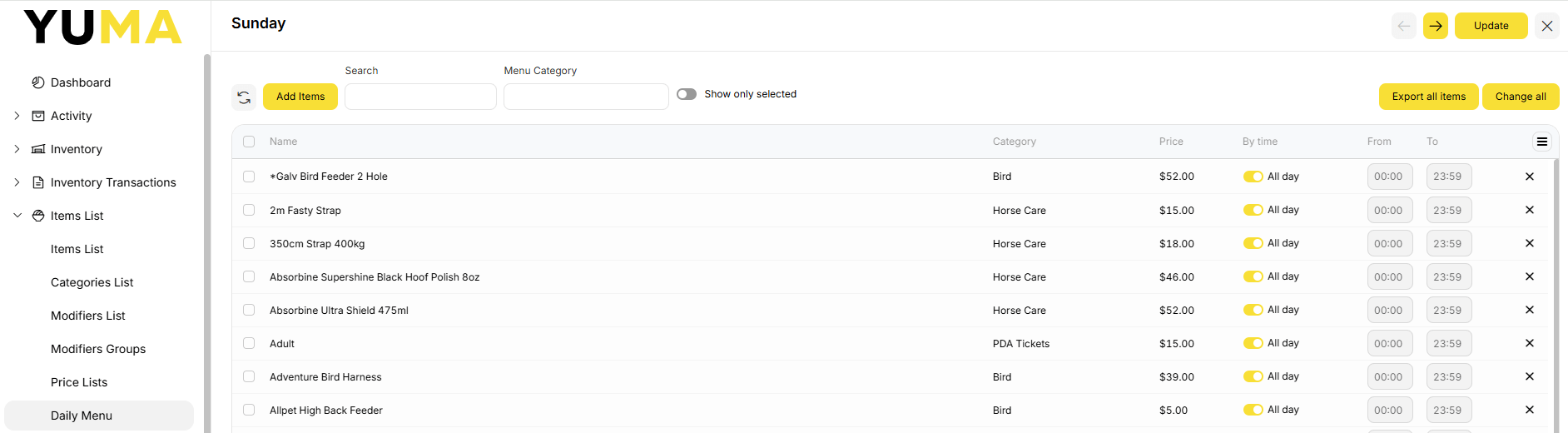
After selecting a day, we get a set of pertinent FILTERS across the top of the page, followed by a list of all MENU ITEMS.
My demo BOM has 50+ pages, which is a lot to look through. Use the FILTERS to search by partial match or by MENU CATEGORY.

Change Availability of Menu Items
You can do this one by one.
You can select the “Names” you want and then “Change all”.
The default is All Day.
You can toggle this to off and set your own time period.

The above 2 MENU ITEMS are now only available on Sunday between 1600 & 17:00 as well as All Day on Monday to Saturday.
Don’t want it available at all on Sunday ? Press the <x>.
Would I do Availability This Way ?
Probably not.
This way is an okay way if you want to change only a few ITEMS.
In the real world, you would probably be changing every MENU ITEM in a MENU CATEGORY.
- Breakfast Menu
- Lunch Menu
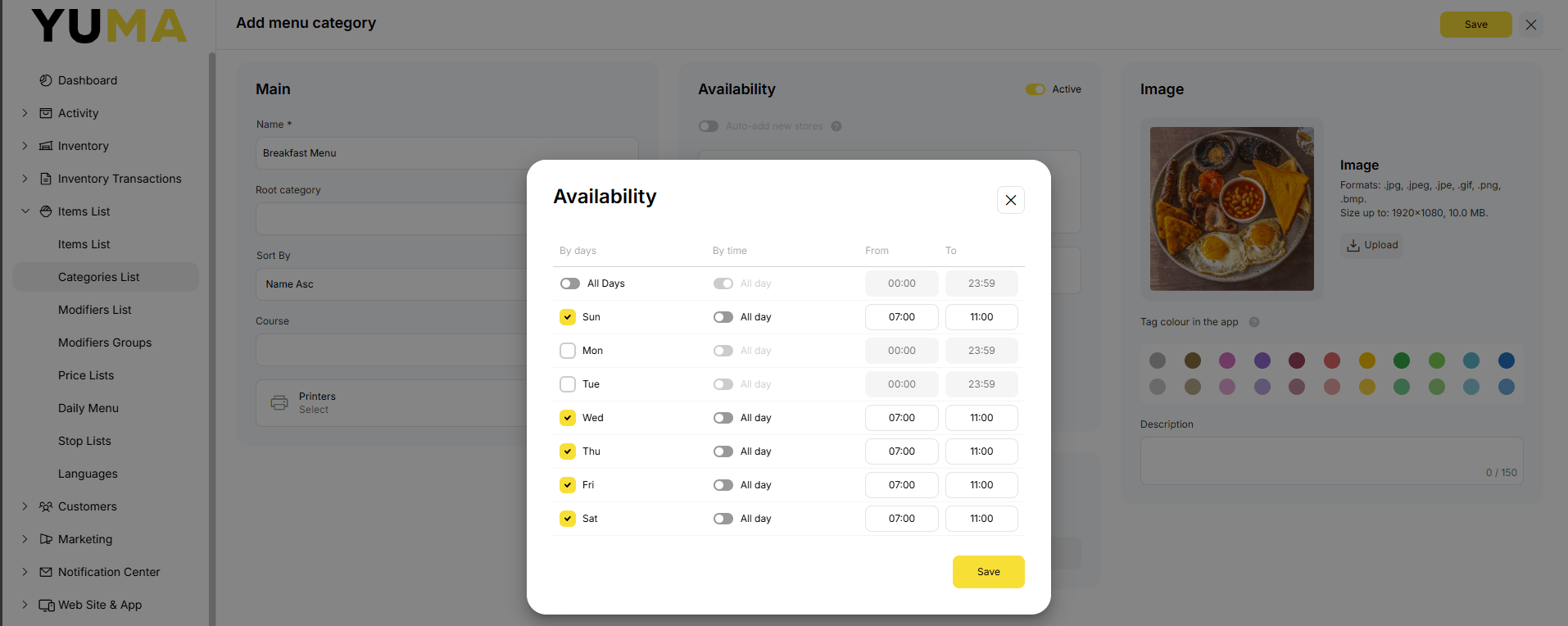
So you are better off making the change of availability on the MENU CATEGORY.
Change availability of the CATEGORY and you automatically make the change to everything in it !